Can you internet with smart tv?
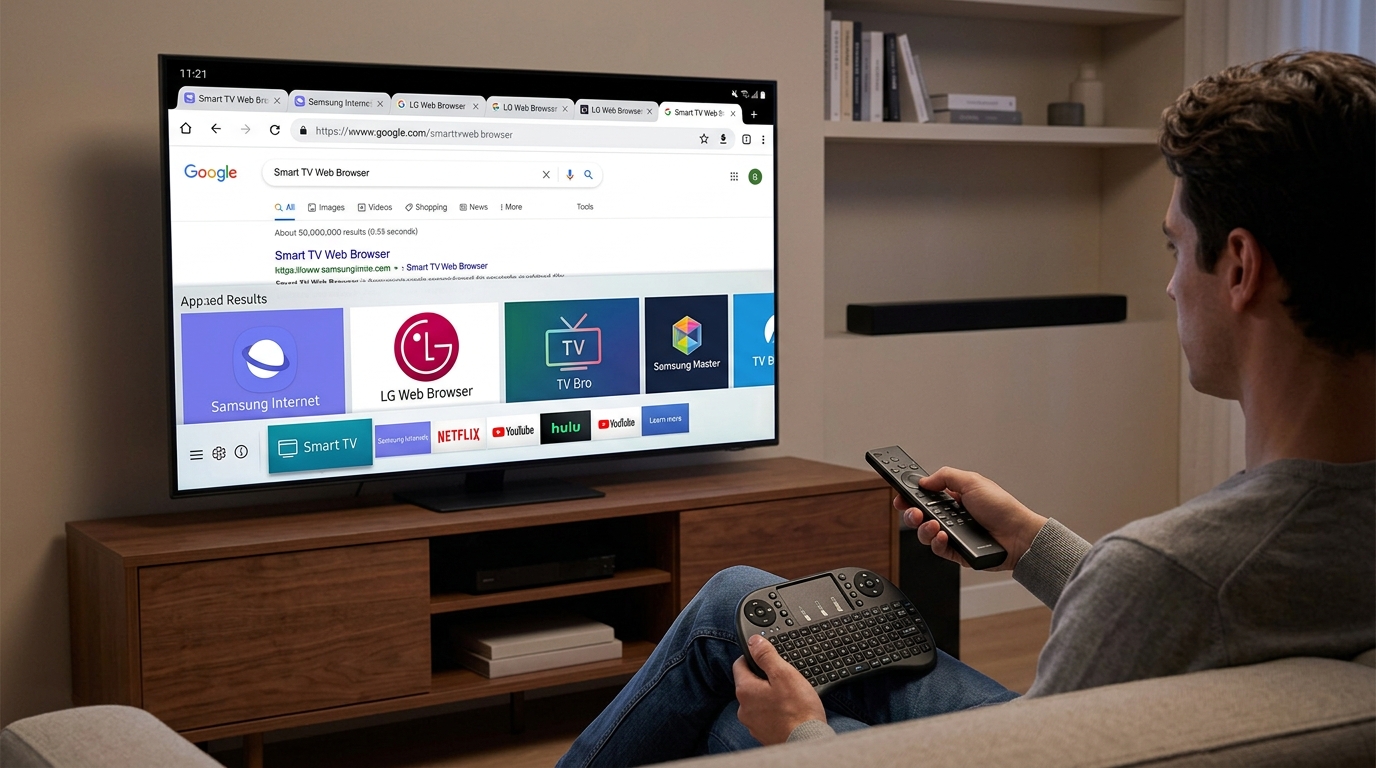
Yes, you absolutely can! Since smart TVs need an internet connection to stream movies, they come with built-in ways to browse the web and access online content.
Here is exactly how you can use the internet on a smart TV:
1. Use the Built-In Web Browser
Most smart TVs come with a pre-installed web browser (like Samsung’s Internet Browser, LG’s WebOS Browser, or Android TV’s JioPages/Chrome variants).
- What you can do: You can type in URLs, visit websites, read news articles, or check social media.
- The Catch: Navigating websites using a standard TV remote control can be a bit slow and clunky since you have to use the arrow keys to move a cursor on the screen.
2. Check Social Media and News
Many social media platforms have dedicated apps designed specifically for smart TVs. For example, you can download YouTube or TikTok apps to browse your video feeds on the big screen without needing a browser at all.
3. Connect a Mouse and Keyboard
If you plan on using the internet heavily on your TV, you don’t have to suffer through using the remote.
- Almost all modern smart TVs have USB ports or Bluetooth capabilities.
- You can plug in or wirelessly connect a standard computer mouse and keyboard. This instantly turns your TV screen into a massive computer monitor for easy browsing.
How to get your TV online:
To use any of these features, you just need to connect your TV to your home network. You can do this in your TV’s settings menu via:
- Wi-Fi: Select your home network and type in your password.
- Ethernet Cable: Plug a cable directly from your internet router into the back of the TV (this provides the fastest, most stable connection).







Post Comment
You must be logged in to post a comment.